App store screenshots that sell, in minutes.
Drop in your app screenshots, pick a style, and export every App Store and Google Play size at once. Works in your browser. No account, no uploads, no subscription.
Free forever for small sets · Pro ($27 one-time) is launching soon
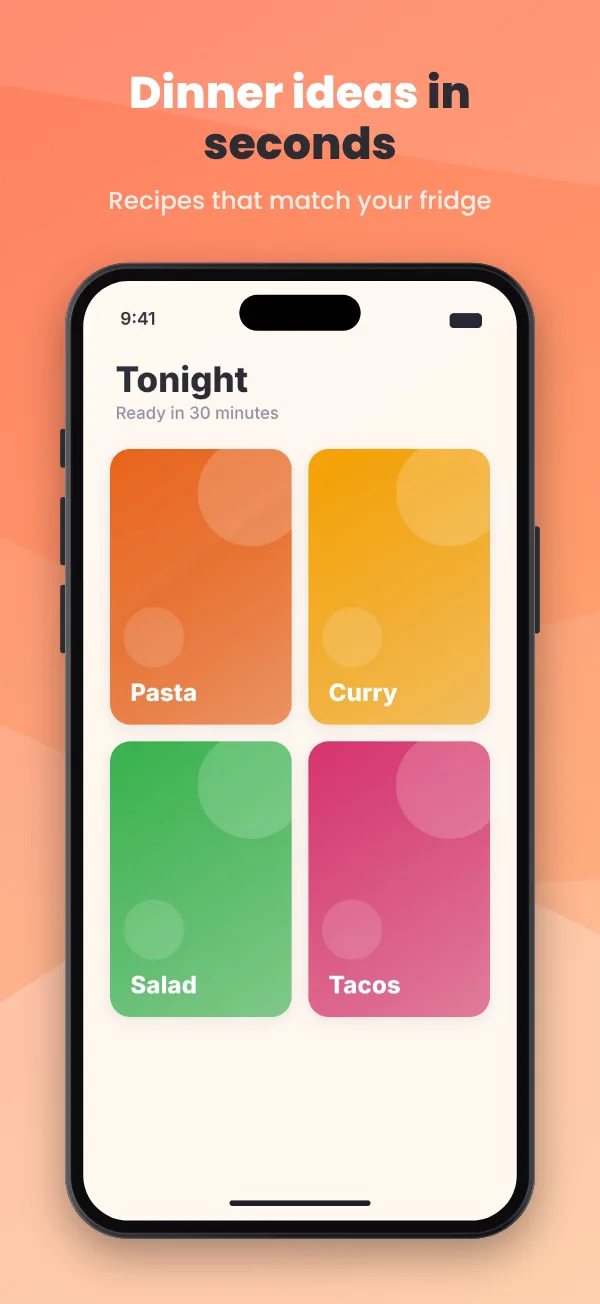
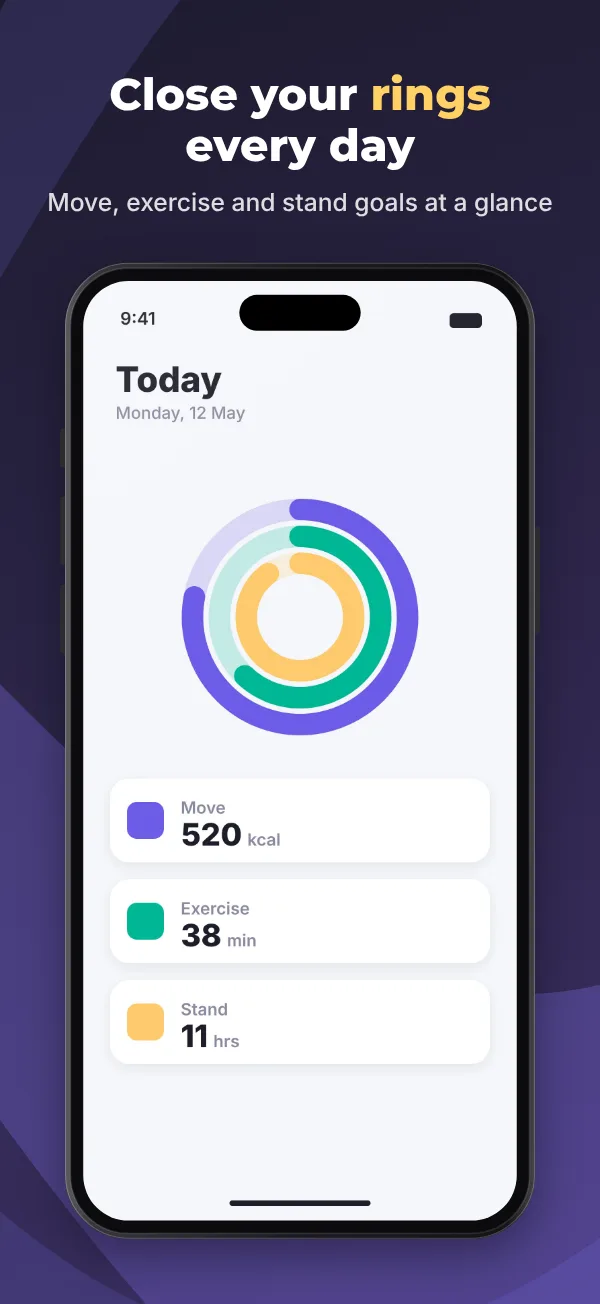
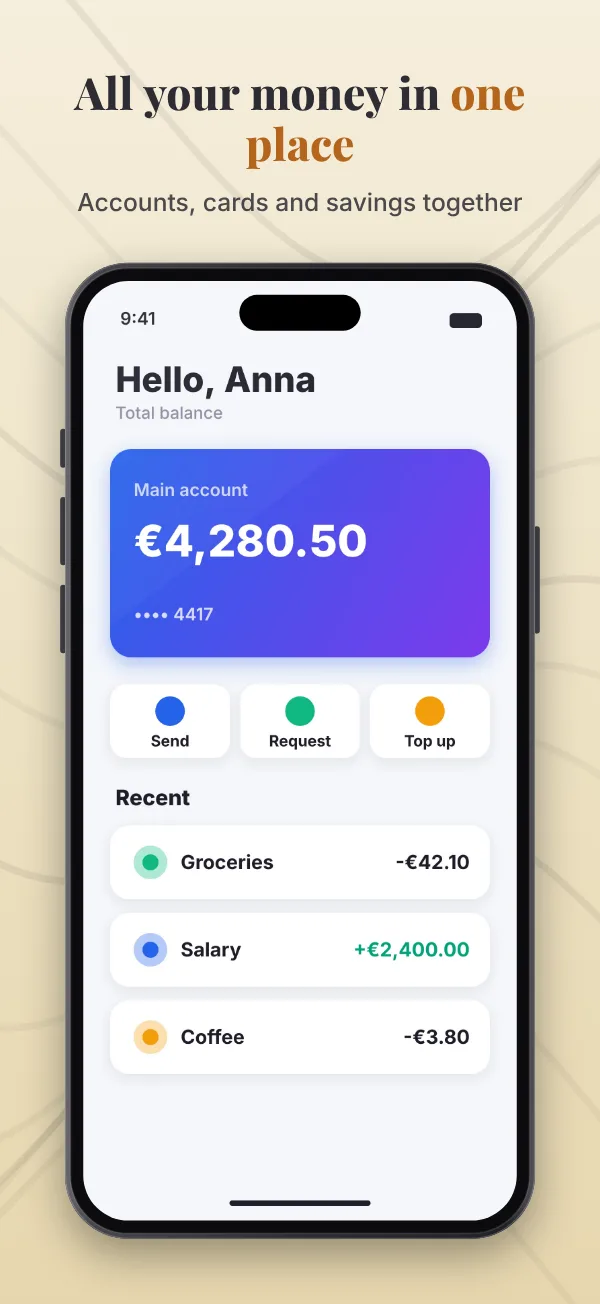
See it in action
A finished set in under a minute
Load your screenshots, try a few styles, edit a caption right on the image, check the store preview and export.
One click, a whole new look
Twelve ready-made styles
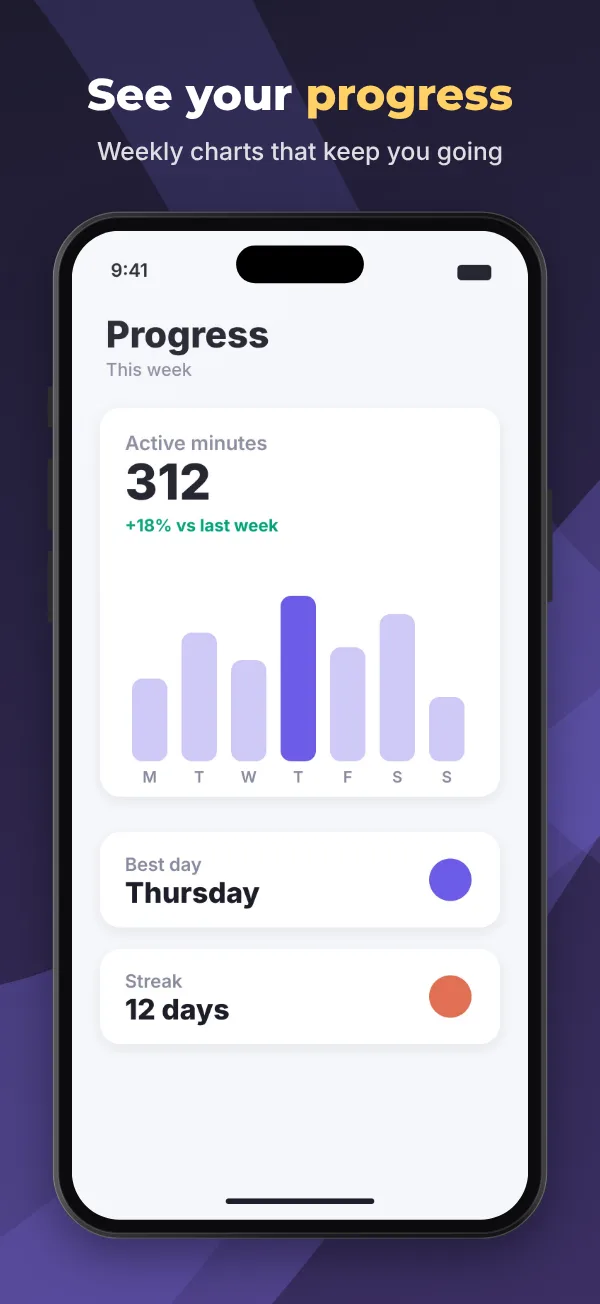
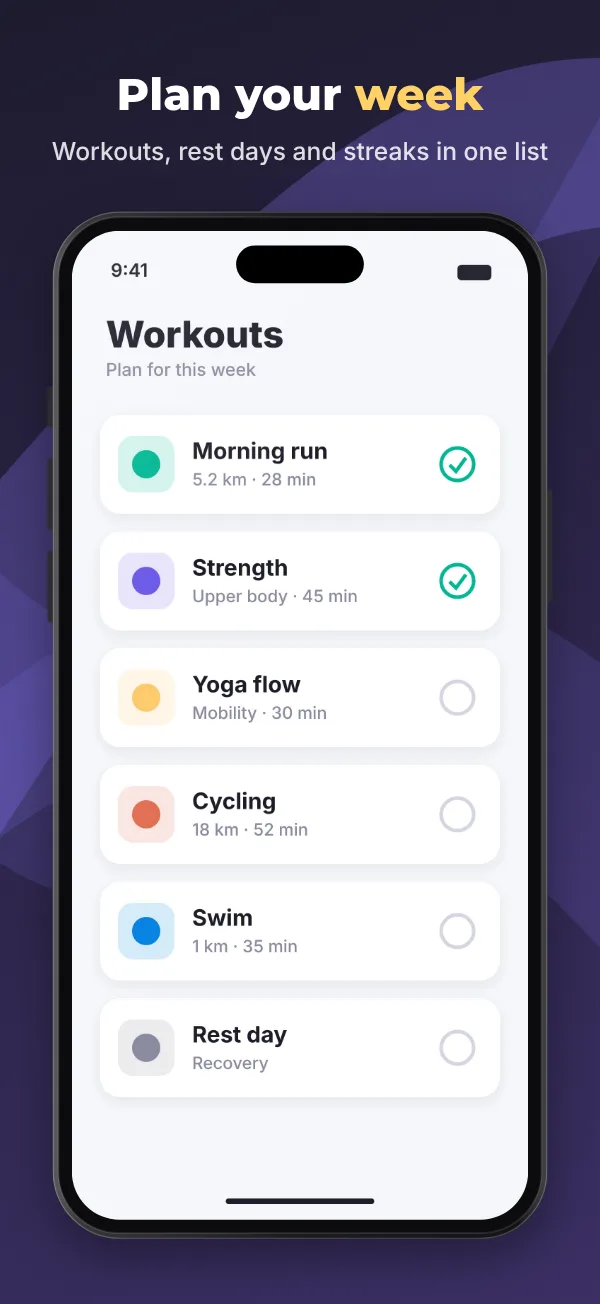
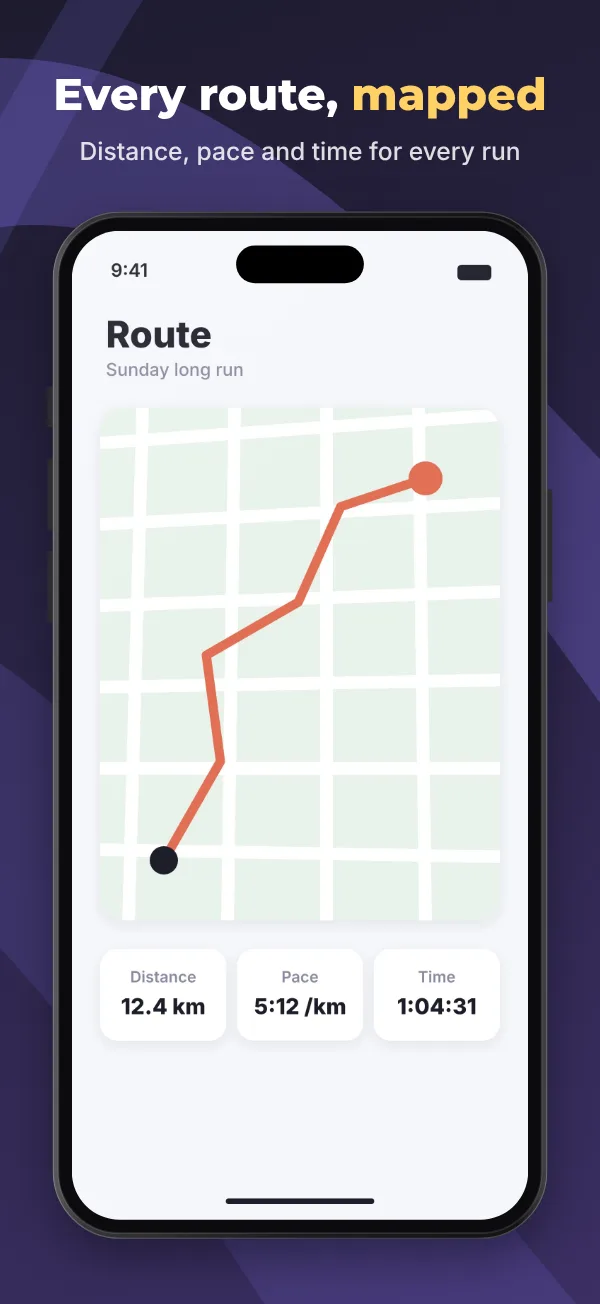
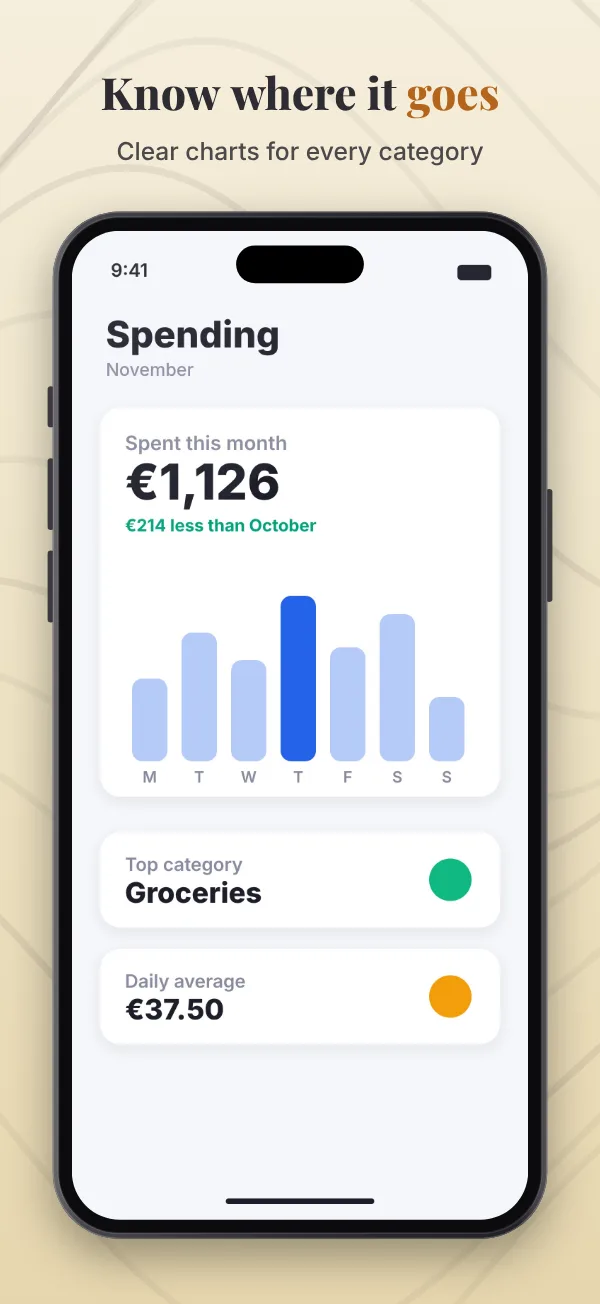
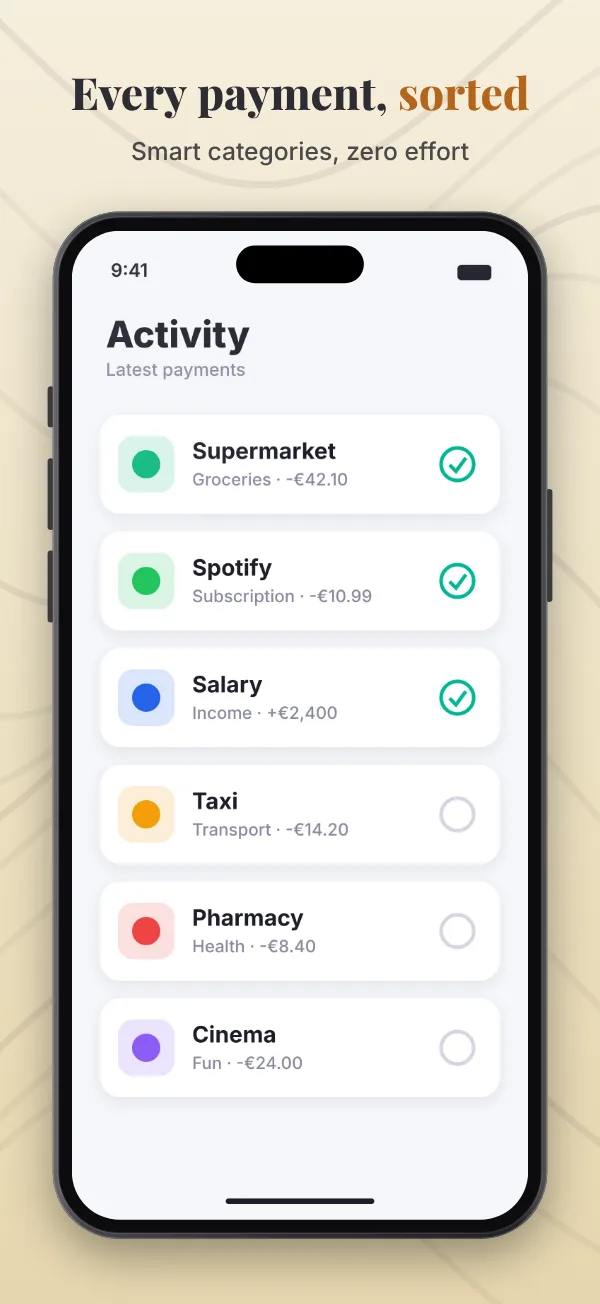
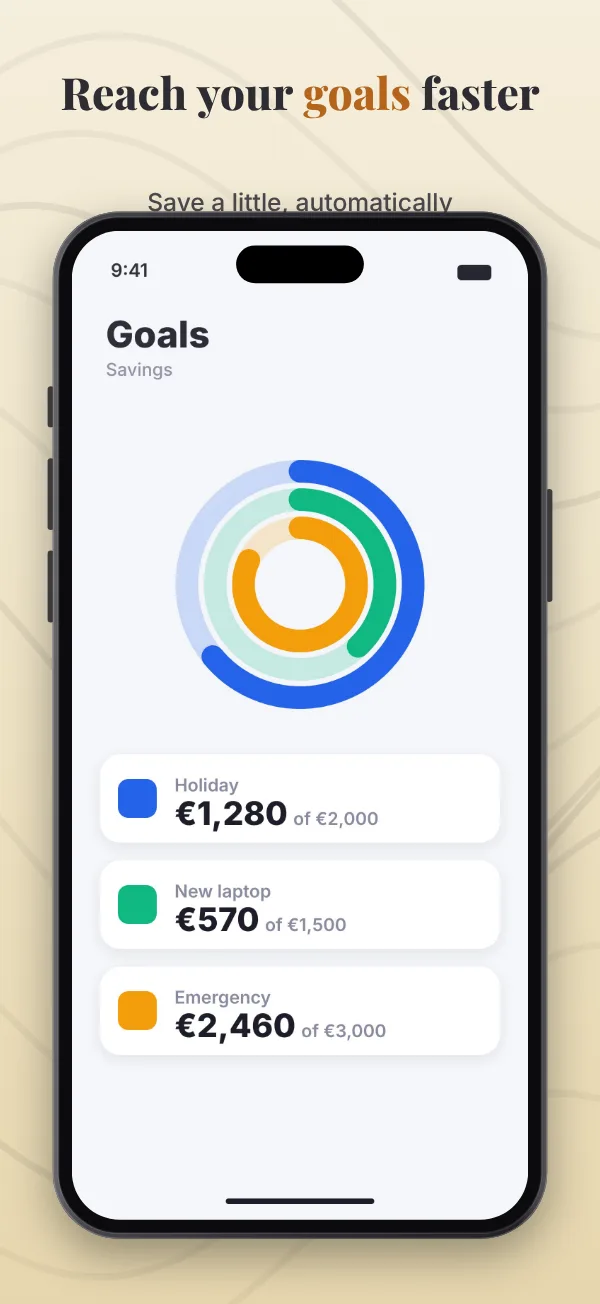
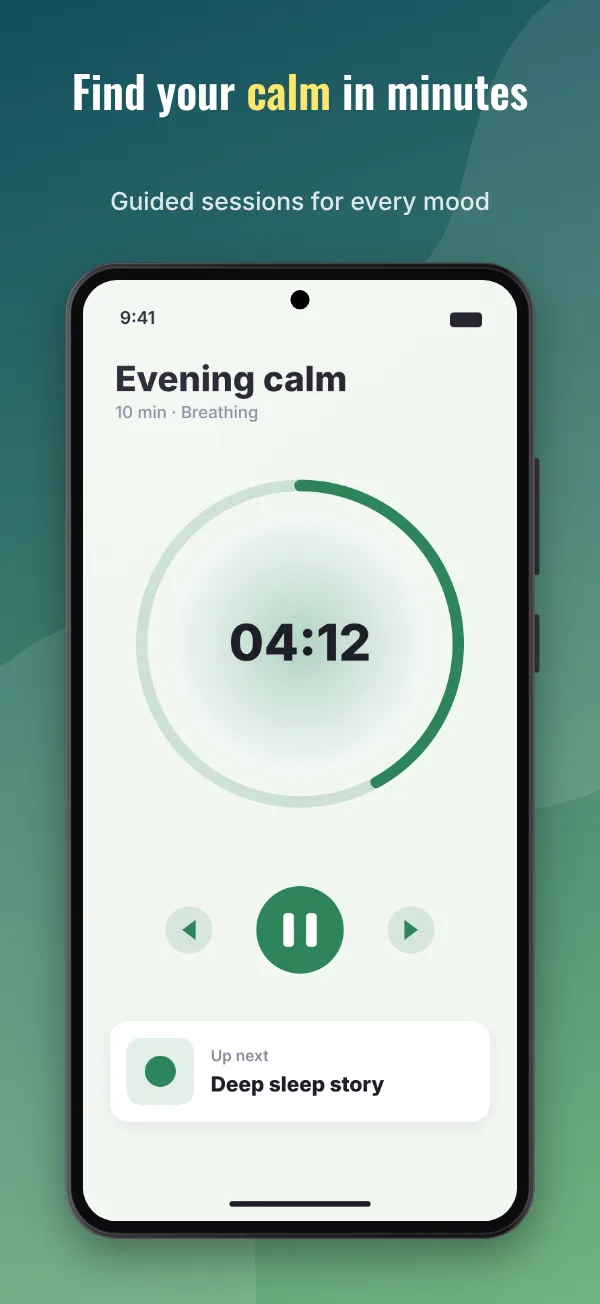
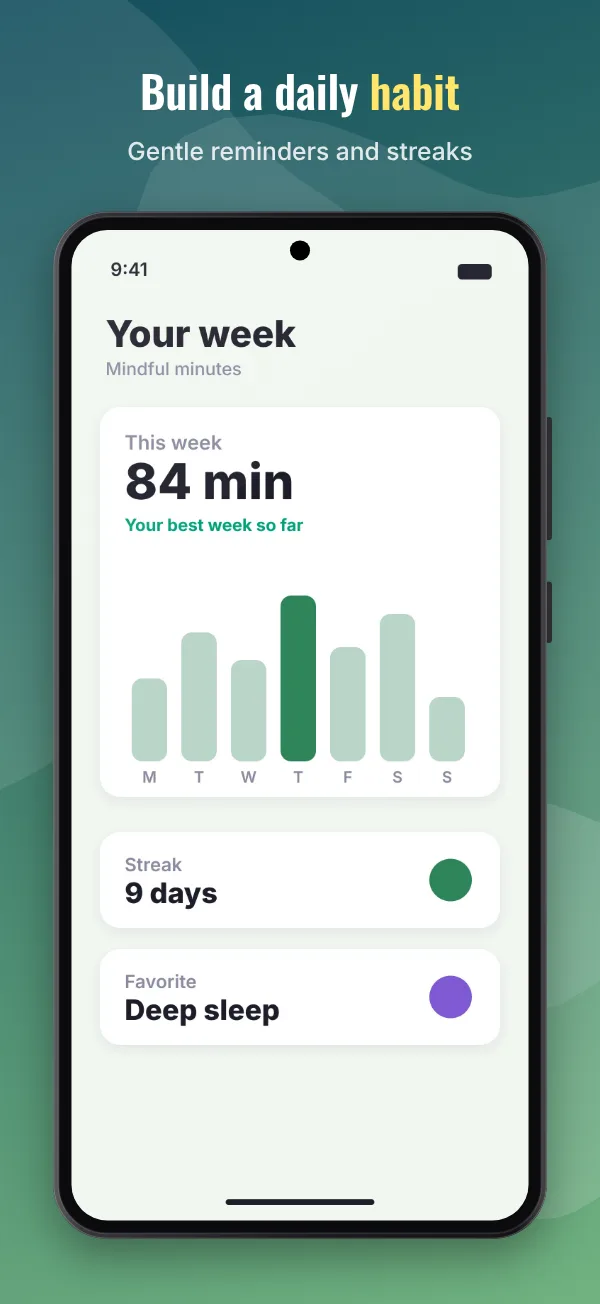
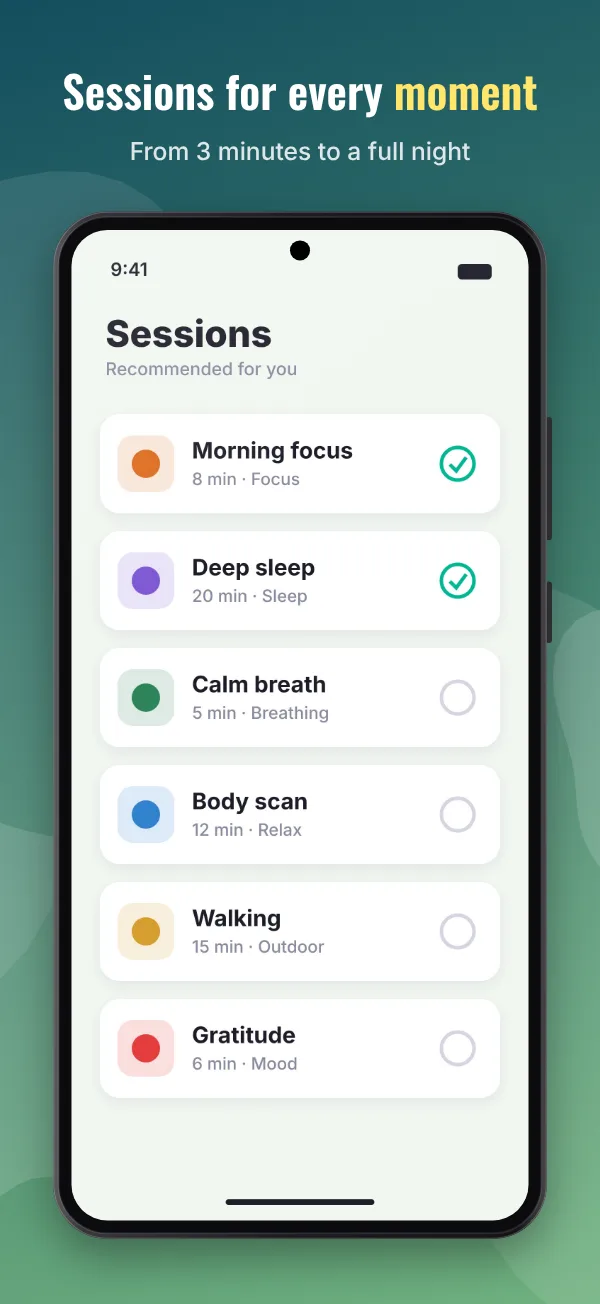
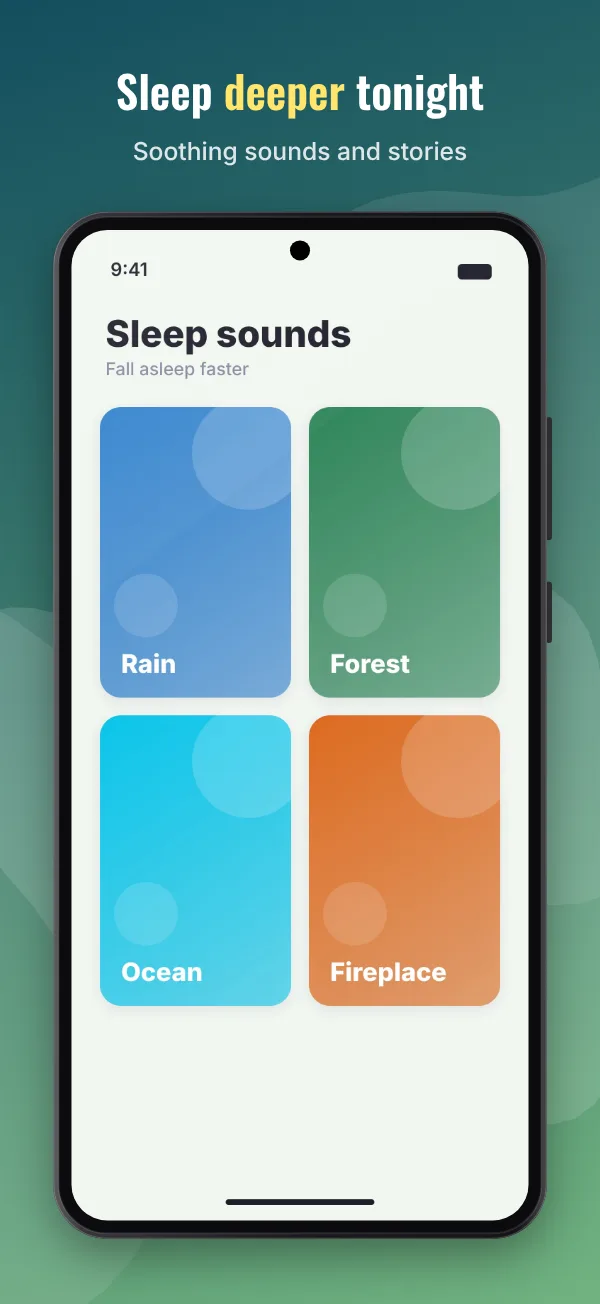
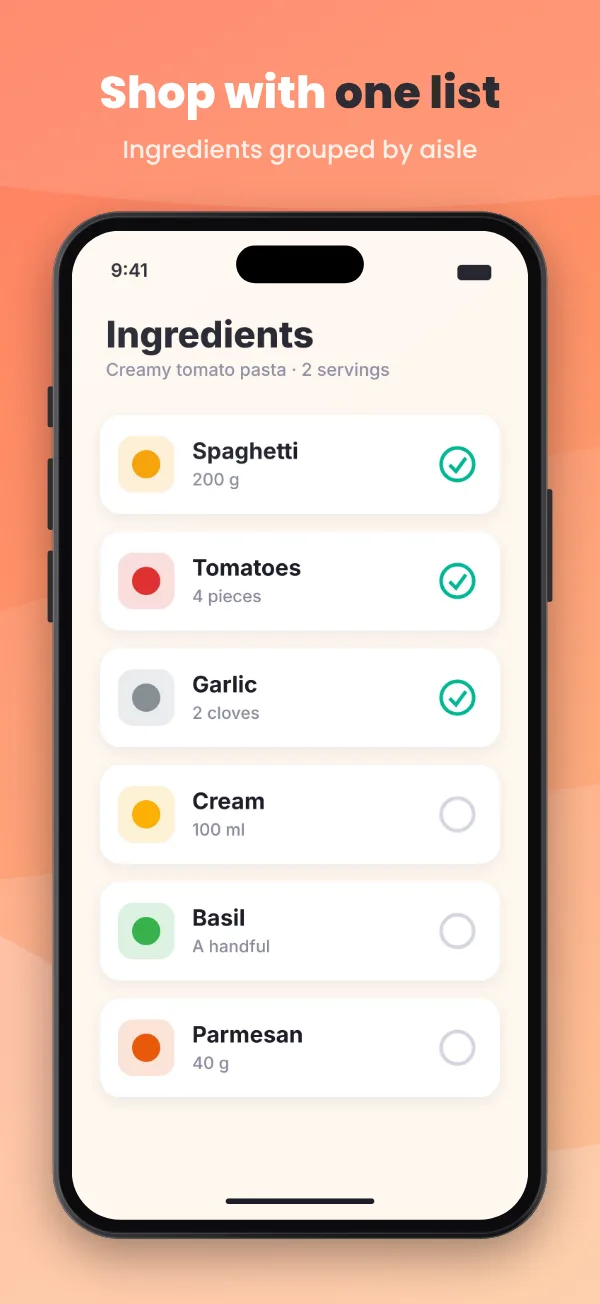
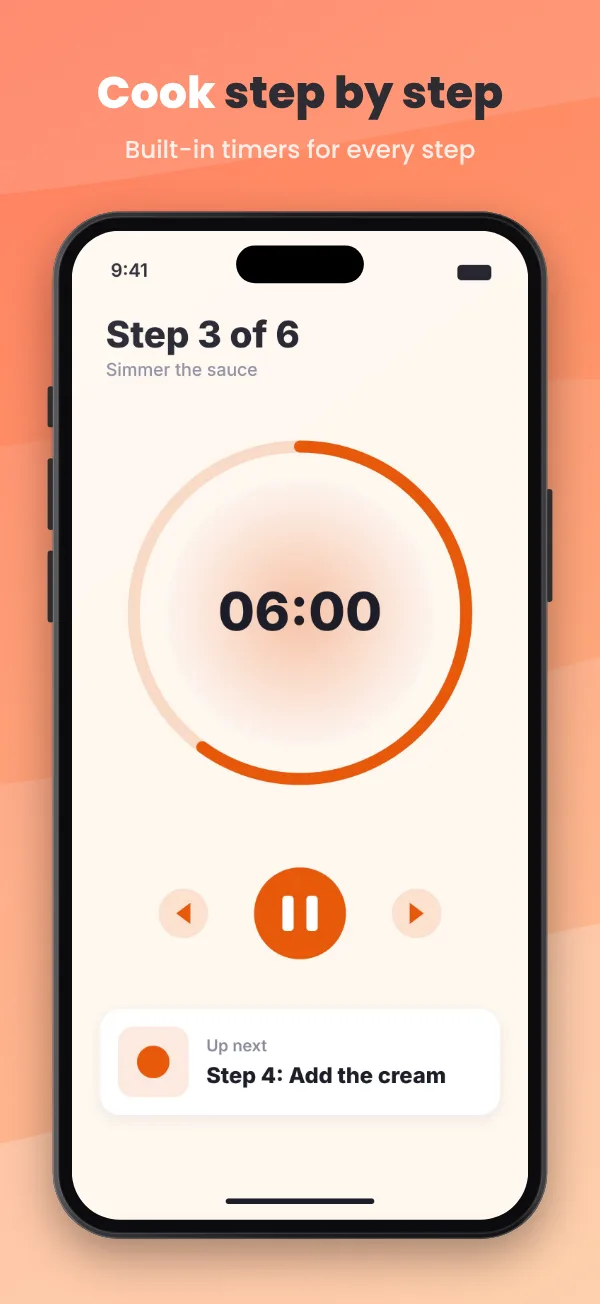
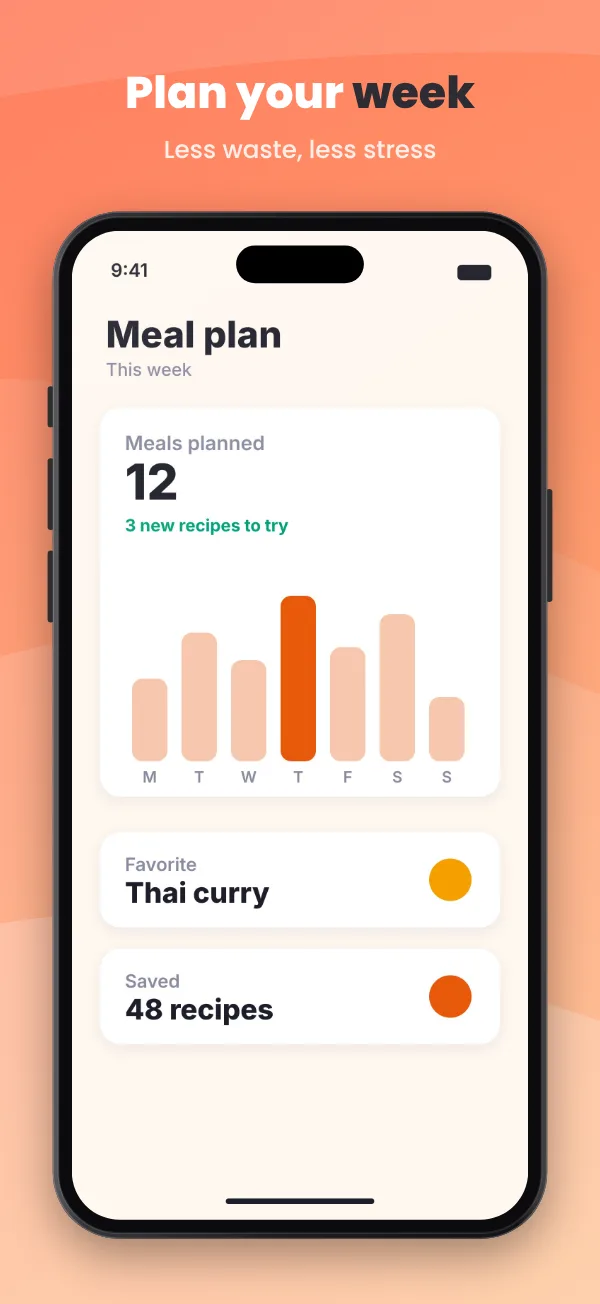
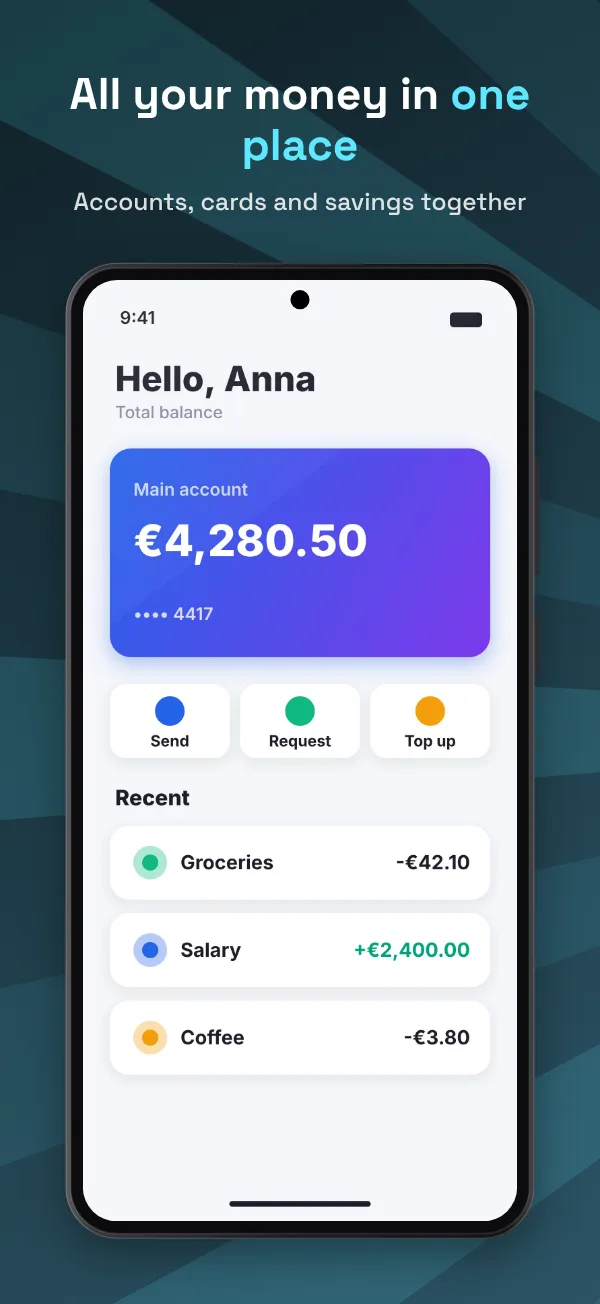
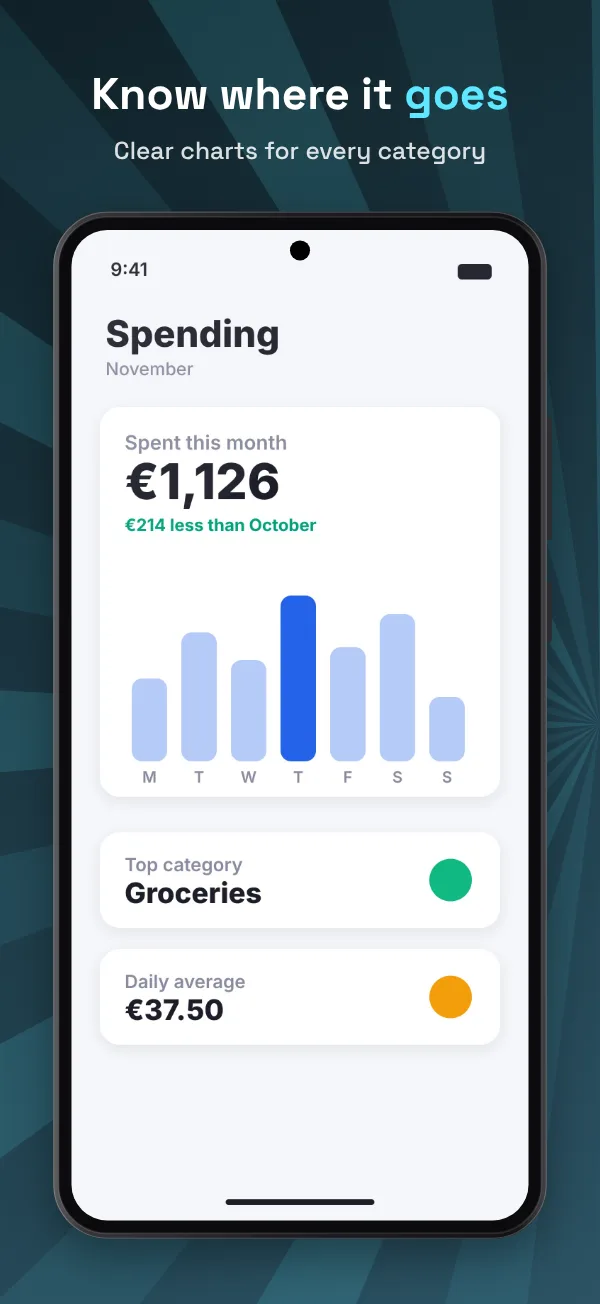
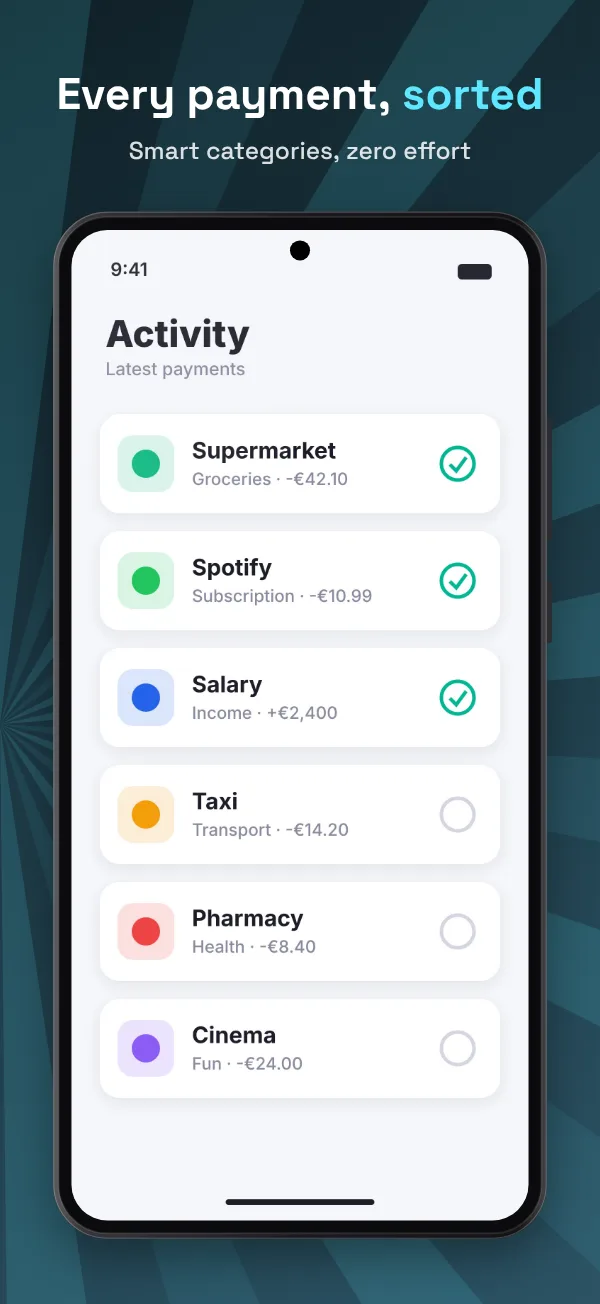
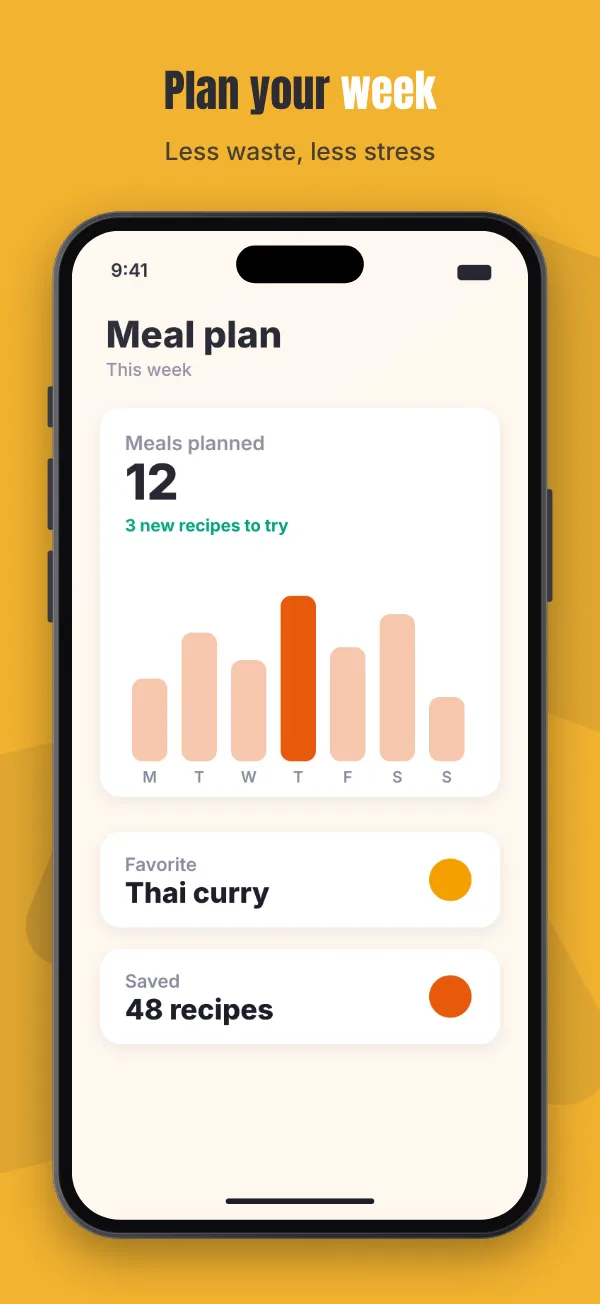
Each style sets the background, a pattern that flows across all screens, caption fonts, colors and the device frame. Your texts stay as they are. Then change anything you like. Below: four sample apps you can open in the editor yourself.
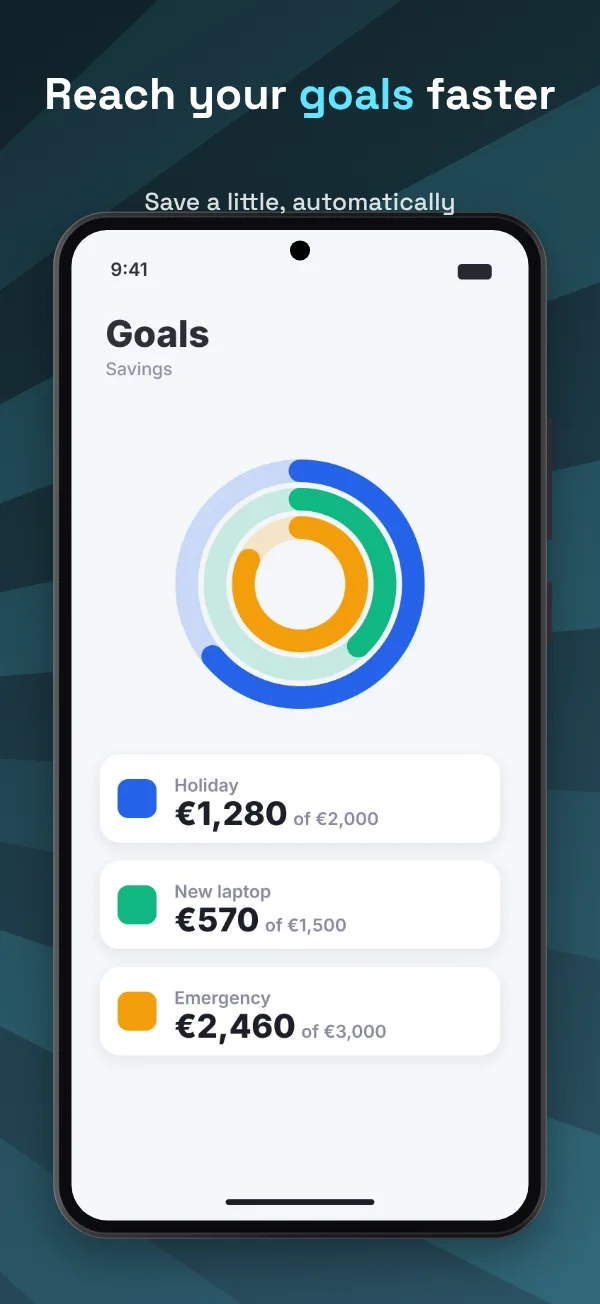
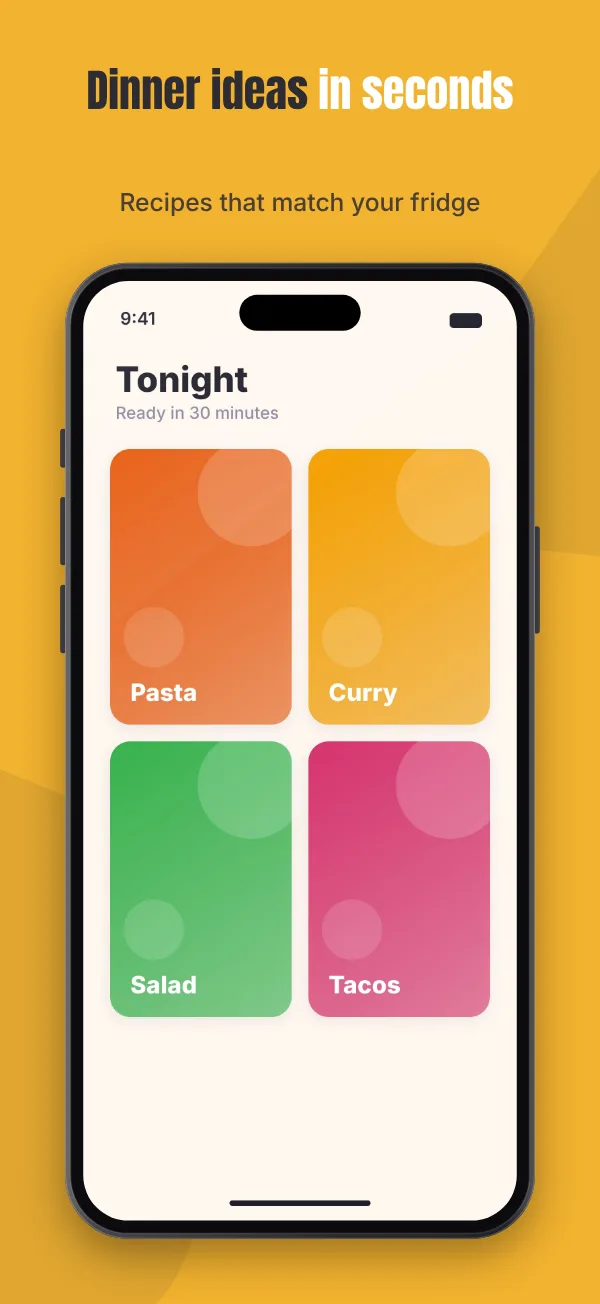
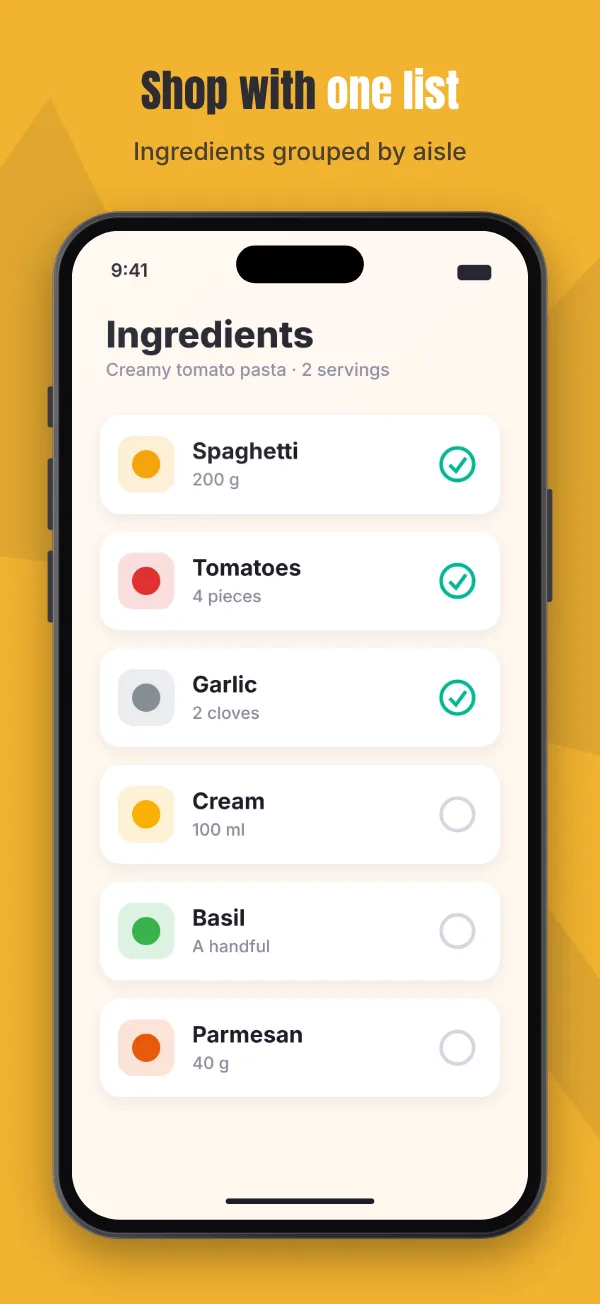
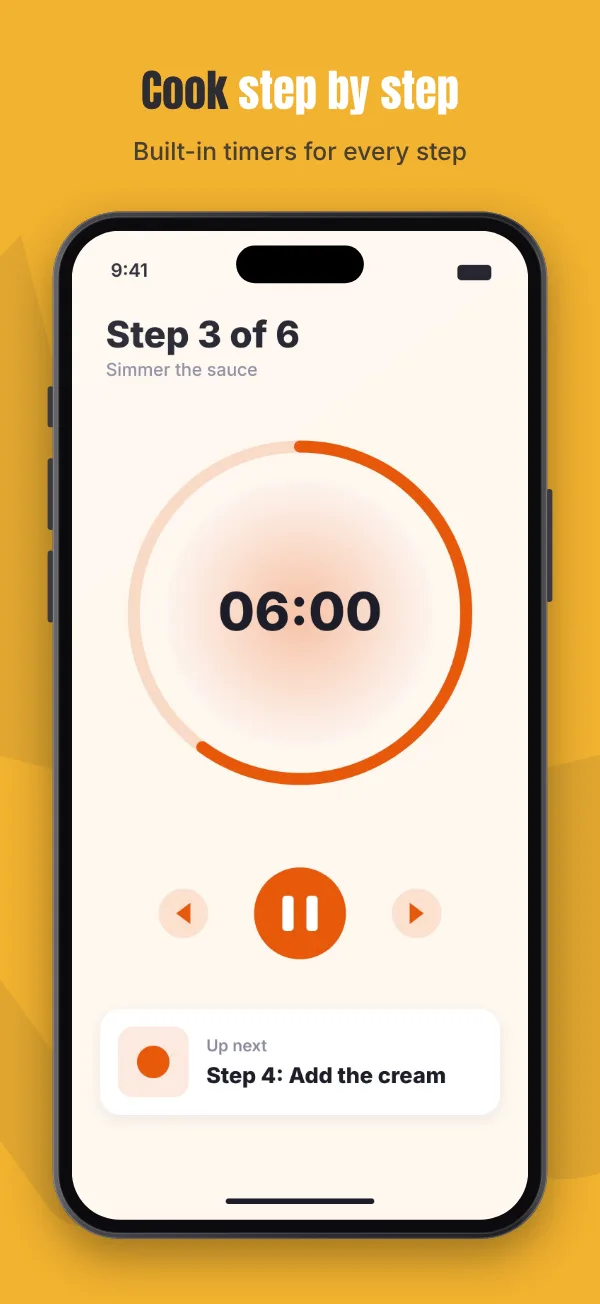
How it works
From raw screenshots to a store-ready set
Add your screenshots
Drag them in or paste them. Each one becomes a screen with a caption and a device frame.
Pick a style and write captions
Click any text in the preview to edit it. Drag, resize and rotate anything.
Export every size
One click gives you a ZIP with a folder per store size and language, ready to upload.
Everything you need
Made for app stores, nothing else
All 11 store sizes
iPhone, iPad, Android phone and tablet, landscape, Mac and Microsoft Store, plus your own custom size.
Device frames
iPhone, Android, tablet, laptop and browser frames in several colors, with optional 3D tilt.
Every language
Translate captions and even swap screenshots per language. Each language gets its own folder.
Patterns across screens
Shapes that flow from one screen into the next, so your set reads as one picture in the store.
20 caption fonts
Bold display faces, clean sans, elegant serifs and handwriting, all free for commercial use.
Google Play feature graphic
The 1024×500 banner is built from the same design, and you can edit it freely.
Store preview
See your first screenshots the way shoppers do, in the App Store or Google Play, light or dark.
Store-ready PNGs
Exact pixel sizes, no transparency, so App Store Connect and Google Play Console accept them.
Private by design
Everything runs on your device. Your unreleased app never leaves your computer.
Pricing
Pay once. Use it for every app.
Many screenshot tools charge a monthly fee. Zupmu Pro is a single payment, with no subscription and no renewals.
Free
- The full editor, all styles and fonts
- Up to 3 screens per export
- One store size per export
- Your main language
- Small “Made with Zupmu” badge
Pro
- Unlimited screens
- All 11 store sizes in one export
- Unlimited languages
- Google Play feature graphic
- Project files for backups
- No badge
Everything in Free works today. Pro will work on up to 3 devices, with a 14-day money-back guarantee.
FAQ
Questions
Is Zupmu really free?
Yes. The full editor is free, with no time limit. Free exports have up to 3 screens, one size and a small badge, which is enough to try everything or make a small set. Pro removes those limits.
Are my screenshots uploaded anywhere?
No. Zupmu runs entirely in your browser. Images, texts and projects stay on your device, and nobody (including us) can see them. See the privacy policy.
Which sizes does it export?
App Store iPhone 6.9″ and 6.5″, iPad 13″, Google Play phone and tablet, landscape iPhone and Android, Mac App Store, Microsoft Store, the Google Play feature graphic, and any custom size you need.
Does it work for Android apps?
Yes. Google Play sizes, Android device frames, the feature graphic and a Google Play store preview are all built in.
Can I use the images commercially?
Yes. Everything you export is yours, including for commercial use. The caption fonts that come with Zupmu are open-source (SIL Open Font License) and free for commercial use.
When can I buy Pro?
Pro is launching soon. Everything in the Free version works today, and your work carries over. Email [email protected] to be told when it is available. After buying, you get a license key by email that unlocks Pro on up to 3 devices or browsers.
Will there be refunds?
Yes. Within 14 days of buying Pro you get a full refund for any reason. See the refund policy.
Do I need to install anything?
No. Zupmu works in any modern browser on Windows, Mac, Linux and tablets. Your work is saved automatically in the browser.
Make your screenshots in the next ten minutes
Start with your own screenshots or play with a sample first. No account needed.